For many organizations, that’s exactly what’s happening. A mess of paper files, complex spreadsheets, overflowing inboxes, and disconnected databases makes it nearly impossible to get a clear picture. This fragmentation leads to wasted time, duplicated effort, and slower response times for clients who need help now.
This article explains why so many charities are making the switch to dedicated case management software. We'll cover how this change transforms daily workflows, improves collaboration, simplifies reporting, and ultimately, helps you focus more on your mission.
Key Takeaways
- Case management software provides a single, secure place to manage client information, services, goals, and outcomes.
- Charities switch to improve coordination, reduce duplicate data entry, simplify reporting, and give staff faster access to reliable data.
- Features like digital intake, shared records, and referral workflows help teams serve clients more consistently across programs and partner agencies.
- The best results come from choosing software that fits your workflows, training your staff properly, and protecting sensitive client information.
What Is Case Management Software for Charities?
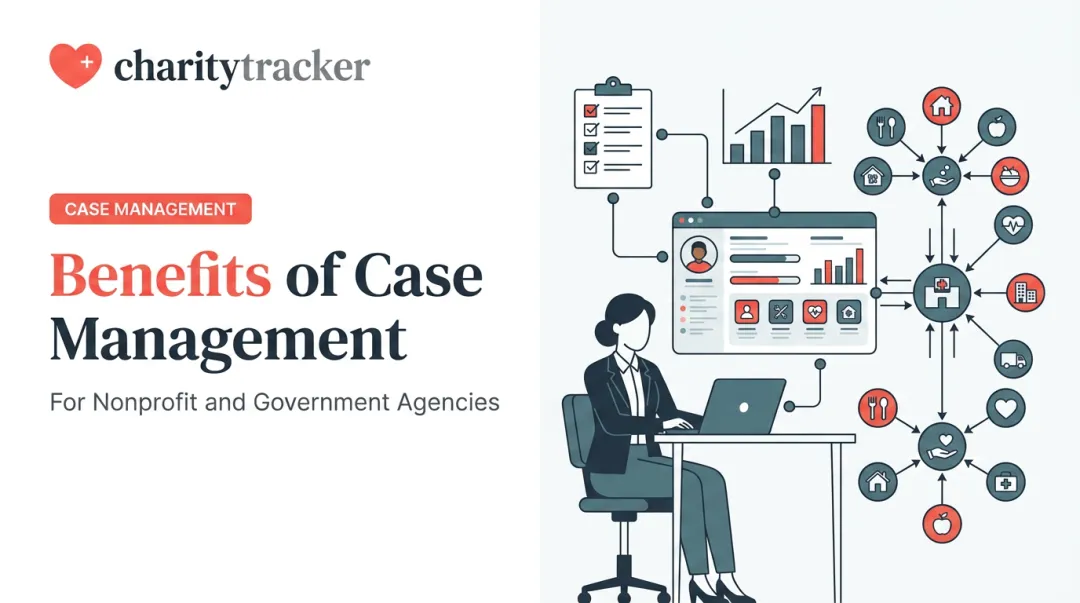
Case management software is a digital system for organizing everything related to your clients. It’s a central hub for documenting services, managing workflows, tracking goals, and coordinating support from the first point of contact through long-term follow-up.
You’ll find these systems used across the social sector, including:
- Community nonprofits and human services organizations
- Faith-based ministries and church benevolence programs
- Homelessness services and housing programs
- Food banks and pantries
- Youth programs
- Domestic violence shelters
- Veteran-serving groups
- Government agencies
Think of it as the operational backbone for your service delivery. While a general CRM (Customer Relationship Management) system focuses on managing contacts for fundraising or marketing, case management software is built specifically for tracking client needs, service plans, referrals, and outcomes. It’s designed to improve service delivery and accountability, not just manage a list of names.
Key Advantages of Case Management Software
The biggest gains from case management software are operational: less administrative friction, more reliable information, and tighter coordination. That shift gives your team more time for mission-focused work.
1. Centralized Client Information and Less Administrative Work
A shared digital client record replaces fragmented paper files, spreadsheets, and email threads. Intake details, service history, case notes, documents, and goals live in one controlled place your team can actually find.
From there, built-in tools cut the busywork:
- Digital intake forms let clients or staff enter information once and reuse it across services
- Electronic signatures and document uploads support a paperless workflow for releases and agreements
- Barcode scanning at check-in shortens lines at food pantries and shelters so people get help faster
The time savings add up. In a North Carolina study of child-welfare caseworkers, documentation alone consumed 12% to 17% of their time. Many CharityTracker users report cutting paperwork time by at least 50%, which returns hours to direct client work.

2. Better Coordination Across Programs and Agencies
Many clients receive help from multiple organizations. Without a shared system, it's difficult to know what services they've already received, leading to duplicated assistance and gaps in care.
Inter-agency case management software fixes that with shared, permission-based access to client information. A food pantry can see that a family was just referred for utility assistance, skip a duplicate referral, and point staff toward a real gap instead.
That visibility supports:
- Informed referrals to the right partner organization
- Less duplicate service delivery across a community
- Continuity of care when multiple caseworkers are involved
- Faster identification of unmet needs across a population
CharityTracker is built for this model: a built-in network so nonprofits, faith-based groups, and government agencies can coordinate in real time while respecting data privacy.
3. Stronger Reporting, Accountability, and Client Outcomes
How much time does your team spend manually pulling together numbers for a grant report or a board meeting? With disconnected data, this process is often slow, painful, and prone to errors.
When client and service data live in one case management system, reporting gets faster and clearer. You can track service activity, monitor progress toward goals, and review program performance without rebuilding spreadsheets every cycle.
A two-year evaluation of a Boston-based collaborative pulled all of its quantitative data directly from the community's shared information system.
Franklin County, Ohio, used its system to find that 15% of homeless men were using over 56% of system resources—an insight that reshaped its strategic plan.
With that kind of visibility, you can:
- Generate accurate funder reports in minutes, not days
- Demonstrate impact with hard data on client outcomes
- Decide where to allocate resources based on real demand
- Measure progress over time for individual clients and full programs
4. More Secure, Consistent, and Accessible Service Delivery
Charities handle sensitive personal, financial, and health data. Paper files in a cabinet or unsecured spreadsheets create real exposure. Case management software puts proper safeguards around that information.
Key security features include:
- Controlled access: Role-based permissions limit what each staff member can see
- Secure storage: Cloud platforms on hardened infrastructure protect data from loss or unauthorized access
- Audit trails: The system logs who viewed or changed a record and when, which supports compliance reviews
Security needs also vary by program. Many healthcare-adjacent charities need a HIPAA-compliant system. HUD requires victim service providers to use a separate, comparable database to protect survivor confidentiality. A strong platform flexes to those different rules.
Cloud access lets authorized staff update records securely from another office, a field visit, or an emergency response site.
What Happens When Case Management Software Is Missing?
Without a centralized system, charities often face a cascade of operational problems. Disconnected systems create inconsistent client histories, leading to:

- Repeated intakes that waste staff time and frustrate clients
- Missed follow-ups that let vulnerable clients fall through the cracks
- Confusion over who owns the next step in a case
Manual reporting and scattered records drive up administrative costs and make it difficult to prove outcomes to funders. This limits leadership's ability to allocate resources confidently and can put grants at risk. For example, New York City officials have noted that unaligned systems across different homelessness services made it cumbersome to coordinate help for clients interacting with multiple programs.
However, a software purchase alone won't fix underlying issues. A new system will not fix unclear processes or poor data habits. Before switching, charities must be prepared to address their workflows, staff training needs, and privacy protocols to avoid simply digitizing a broken process.
How to Get the Most Value from Case Management Software
Getting full value from case management software takes clear goals, honest workflow mapping, and a rollout plan your staff will actually use.
- Set specific goals first. Decide what you need to fix—faster intake, stronger referral follow-through, one client record, or quicker funder reports—and define success in measurable terms.
- Map how work happens today. Document data fields, handoffs, approvals, and permissions. Bring caseworkers and partner agencies into the process; they know where delays and duplicate entry really occur.
- Choose a system that fits your programs. Prioritize adaptability without extra complexity. Evaluate:
- Ease of use for busy case staff
- Digital or remote intake options
- Referral and inter-agency tools
- Reporting for grants and compliance
- Security controls and total cost
- Plan implementation and training. Clean and migrate existing records, train by role, and phase the rollout if programs or sites differ. Short, role-based sessions beat one long demo.
- Require ongoing support. Look for a vendor that stays involved after go-live. CharityTracker pairs implementation help with customer success specialists so teams can keep improving workflows, reporting, and adoption over time.

The First Step Toward Greater Impact
Charities switch to case management software when fragmented processes start limiting capacity, coordination, and client support quality.
Digitizing paperwork helps, but the bigger win is operational: shared client records, consistent workflows, and reporting teams can act on. Pick a platform that fits your mission and budget, and admin work stops crowding out direct service.
Teams that make the switch usually lock in three practical gains:
- One client record instead of scattered files and inboxes
- Faster handoffs across staff and partner agencies
- Funder-ready reports without last-minute scrambles
That move from fragmented routines to coordinated case management is the first step toward greater impact in your community.
Frequently Asked Questions
What is the difference between a CRM and a case management system?
A CRM generally manages contacts and relationships for fundraising or marketing. Case management software is specifically designed to manage client needs, service plans, referrals, documentation, and outcomes for social service delivery.
What are the benefits of case management?
The main benefits include centralized client records, reduced paperwork, and improved collaboration between agencies. Charities also gain stronger funder reporting, secure access to sensitive data, and clearer visibility into client and program outcomes.
Why do charities switch from spreadsheets to case management software?
Spreadsheets are difficult to share securely, require constant manual updates, and lack the structured workflows and reporting needed to scale. Case management software provides a secure, multi-user platform with built-in permissions and automation.
How does case management software help charities collaborate with other organizations?
It provides a shared, permission-based database where agencies can view services delivered by partners, make and track referrals, and communicate securely. This helps reduce duplicate assistance and ensures clients get the right help faster.
What features should a charity look for in case management software?
Look for centralized client records, digital intake options, referral management, customizable reporting, mobile access, strong security controls, scalability, and responsive implementation support.
How can a charity successfully implement case management software?
Success depends on having clear goals, mapping your workflows, involving staff in the selection process, planning for data migration, providing thorough training, and regularly reviewing usage and outcomes.