Funders now expect airtight accountability. Privacy regulations keep tightening. Reactive, spreadsheet-based habits can't keep up anymore. This article breaks down what data management actually means for community programs, the data types you're responsible for, the practices that make reporting painless, and the tools that support it long-term.
Key Takeaways
- Clear policies and trained staff make data usable day to day—not tools alone
- Centralizing client, program, and funder data cuts duplicate entry and reporting time
- Role-based access limits who sees sensitive client data and supports compliance
- Routine audits and ongoing training keep data accurate as staff and caseloads change
What Is Data Management for Community Programs?
Data management covers the full lifecycle of your information: collecting it, organizing it, securing it, analyzing it, and knowing when to retain or dispose of it. The National Institutes of Health defines it as validating, organizing, protecting, maintaining, and processing data so it stays accessible and reliable.
For community programs, this lifecycle splits into two distinct tracks:
- Client and case data: intake records, consent forms, case notes, service history
- Program outcome data: the metrics that prove your services work
Each track carries different sensitivity levels and different reporting obligations. Choosing tools that fit both tracks starts with one distinction many programs miss.
CRM vs. Case Management Systems
Fundraising CRMs track donor relationships. Case management systems track service delivery, client goals, and outcomes over time. Confusing the two is a common, costly mistake for community programs evaluating software.
Why It Matters for Community Programs
Accurate data isn't a back-office concern. It directly shapes funding decisions, audit readiness, and your ability to prove impact to boards, funders, and government partners.
Federal programs make this explicit. VOCA administering agencies must submit performance reports quarterly under federal regulation. HUD's Emergency Solutions Grants and HMIS programs carry similarly strict reporting rules. Miss a deadline or submit inconsistent numbers, and funding is at risk.
Capacity is also part of the problem. NTEN's 2026 Data Empowerment Report found:
- Almost 90% of nonprofit staff directly enter data into their systems
- More than 61% always or frequently share data externally through grant reports
- Nearly 70% cited a lack of in-house technical staff as a challenge
Data work isn't optional overhead. It's baked into daily operations, whether your systems support that or not.

Types of Data Community Programs Must Manage
Not all data carries the same risks or reporting requirements. Treating everything identically is how compliance gaps happen.
- Client and case data — intake records, service logs, consent forms, case notes, progress toward goals
- Program and outcome data — service counts, milestones, outcome measurements tied to program goals
- Funder and grant data — applications, award terms, disbursement schedules, reporting deadlines
Each category needs its own access rules and retention schedule. A case note about a domestic violence survivor doesn't belong in the same access tier as an aggregate service count for a board report.
Federal and state rules layer on top of those internal tiers. Retention windows differ by funding source:
- ESG-funded programs — keep participant records secure for five years after grant funds are expended
- General federal awards — typically retain records for three years from the final financial report
HIPAA-aligned confidentiality standards may also apply, even outside clinical settings, depending on your program type.

Data Management Best Practices for Community Programs
Good data management is a set of habits layered on top of the right system. These six practices keep community program data clean, secure, and usable when funders, auditors, or partner agencies ask for proof.
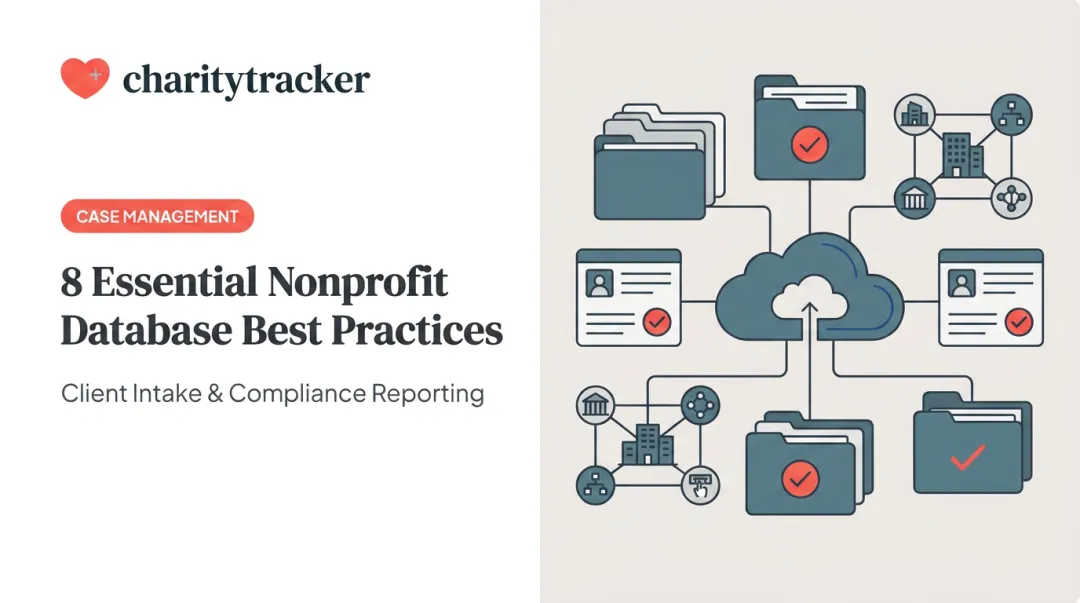
Centralize first. When case managers, program staff, and leadership pull from one platform instead of five spreadsheets, duplicate entry disappears. So does the last-minute scramble to reconcile numbers before a report is due.
Build governance before you need it. Assign data ownership by role. Document entry standards, retention schedules, and who can access what. NetHope's Nonprofit Data Governance Toolkit is a solid starting template: assign an owner for each data category, define the field, and specify correction rules.
Limit access by role. NIST's role-based access control model assigns each user only the permissions their role requires. In practice:
- Case workers see only clients they directly serve
- Supervisors see aggregate caseload data across their team
- Finance and reporting staff see funder-facing metrics, not raw case notes
Audit on a schedule, not by accident. Run monthly spot checks and quarterly full reviews. Programs with high caseloads or high staff turnover should audit more often. That's where duplicate entries and stale accounts pile up fastest.
Train continuously, not just at onboarding. A one-time training session doesn't hold up against staff turnover. Make data stewardship part of ongoing performance expectations, not a box checked in week one.
Capture outcomes during service delivery. Design intake and case workflows so outcome data gets recorded as services happen, not reconciled from memory two weeks later.

Choosing the Right Tools for Data Management
Point solutions (separate tools for intake, reporting, and grant tracking) create the exact silos that force manual reconciliation. Integrated case management platforms reduce that friction, simplify staff training, and cut long-term costs since your team learns one system instead of juggling three logins.
What to evaluate when comparing tools:
- Configurable intake and consent tracking
- Longitudinal client records with service history
- Duplicate detection across agencies
- Role-based access controls
- HMIS or comparable database support, if applicable
- Retention and export capabilities
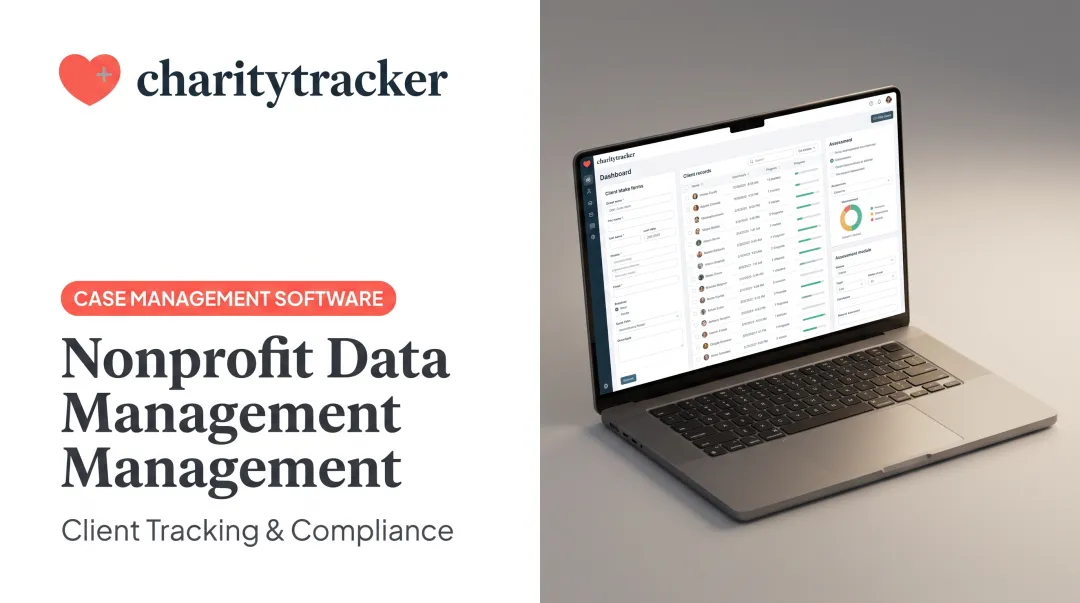
Platforms like CharityTracker centralize case management, needs assessments, assistance history, and funder reporting in one system. That pays off in daily work: one office clerk and First Call for Help representative reported cutting paperwork time "in half, at least." Agency networking through the platform also helped prevent duplicate service delivery across partner organizations.

When agencies share a centralized assistance history, staff can check whether a client already received a yearly food-pantry allotment or rent assistance before approving more aid, instead of finding out after the fact.
Common Data Management Challenges (and How to Avoid Them)
Three problems show up again and again in community programs, regardless of size.
- Data silos. Disconnected spreadsheets and standalone intake forms force manual reconciliation right before reports are due. Solve it with one shared platform where case managers and reporting staff pull from the same records.
- Data quality issues. Duplicate records, outdated contact information, and inconsistent entry formats compound over time. Regular audits catch these before they affect a funder report.
- Lack of governance. When no one owns data accuracy, practices drift and breach risk climbs. Assigning clear ownership, even informally at a small organization, closes that gap fast.
Frequently Asked Questions
What are the five pillars of data management?
The five pillars are governance, quality, security, integration, and lifecycle management. They cover ownership rules, data accuracy, access control, system connections, and retention or disposal.
What are some examples of data management?
Centralized case management systems, client intake and consent tracking, funder reporting dashboards, and role-based access controls are all practical examples relevant to community programs.
How often should community programs audit their data?
Monthly spot checks plus quarterly full reviews work for most programs. High-caseload or high-turnover programs should audit more frequently to catch errors before they compound.
What is the difference between a CRM and a case management system?
CRMs are typically donor-focused, tracking fundraising relationships. Case management systems track client services, outcomes, and inter-agency coordination over time — the two aren't interchangeable.
How can small community programs with limited staff manage data effectively?
Start with one centralized platform instead of multiple point tools. Document simple entry standards early, and choose affordable, quick-to-implement software over complex enterprise systems that require dedicated IT support.