Introduction
Picture a case worker juggling paper intake forms, a spreadsheet of active clients, an inbox full of referral requests, and a filing cabinet of signed consent forms. Sound familiar? Many organizations still run this way.
A 2025 training guide from the Capital Area Food Bank describes this exact workflow: staff collect client information on paper, then enter it into a digital system after the client leaves the distribution site. Manual intake persists even at organizations that already use technology.
An electronic case management system pulls these scattered pieces into one structured environment. This article covers what these systems do, how the case lifecycle works inside them, and the benefits and trade-offs to weigh. You’ll also find the features worth prioritizing—and how to choose and implement a system without disrupting service delivery.
Key Takeaways
- Electronic case management connects records with workflows, referrals, and reporting, not just storage.
- Nonprofits, healthcare teams, government agencies, and faith-based ministries use them to coordinate services, track outcomes, and meet reporting mandates.
- Shared case histories reduce duplicate intake and conflicting service delivery across agencies.
- Security requirements depend on your organization's actual regulatory status, not assumptions.
- Successful adoption depends as much on training and workflow design as on the software itself.
What Is an Electronic Case Management System?
An electronic case management system is software that helps organizations securely record, organize, coordinate, and report on individual cases or client journeys, from first contact through follow-up and closure. These systems treat each case as a sequence of actions, decisions, and outcomes that need tracking over time.
How It Differs From a Spreadsheet or Database
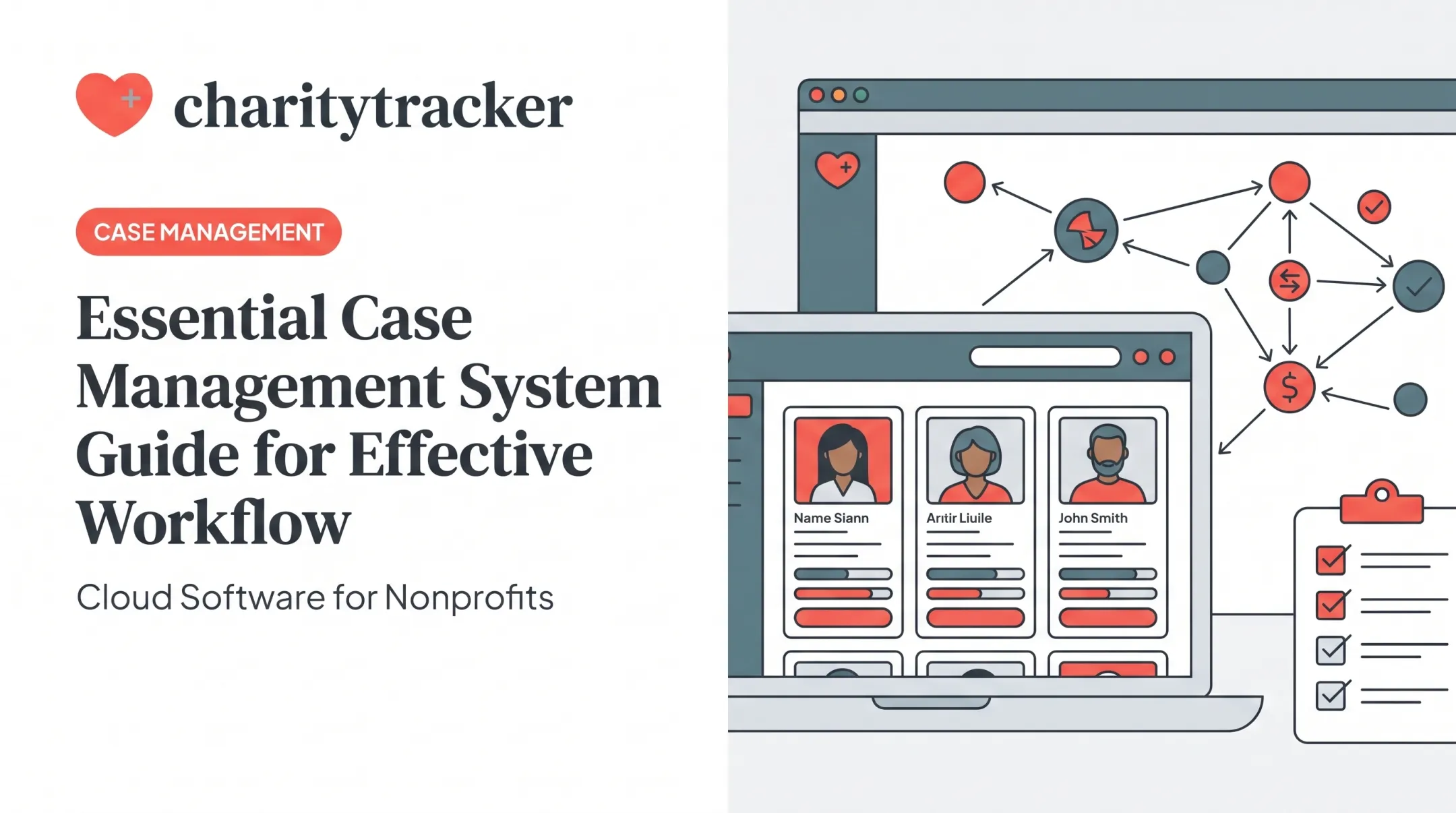
A spreadsheet stores information. A case management system does more. It connects records to workflows, assigned tasks, communication logs, referral tracking, and outcome reporting. That distinction matters because storage alone doesn't tell you who's responsible for the next step, or whether a referral actually resulted in services.
Who typically uses these systems:
- Nonprofit and human services organizations
- Healthcare organizations and hospital-based social work teams
- Government agencies managing public assistance programs
- Faith-based ministries and benevolence funds
- Veteran-serving organizations
- Youth programs and food banks
- Disaster relief groups coordinating survivor recovery
CharityTracker, for example, is used across several of these sectors, including organizations like The Salvation Army and Boys & Girls Clubs of America, with client and household records centralized in a digital filing cabinet.
Centralization Without Overexposure
A shared client record means authorized staff can see relevant service history without re-asking the same intake questions every visit. That saves time and reduces friction for the person receiving services. But centralization has to be balanced against dignity and privacy.
Good system design limits access to what's appropriate for each role, documents interactions accurately, and avoids collecting sensitive data the organization doesn't actually need. A well-configured system protects the client, not just the workflow.
How Does Electronic Case Management Work?
Most case management systems follow a recognizable lifecycle, even though the specific steps vary by sector.
- Digital intake – Client or household information is captured through a form, kiosk, or staff-assisted entry.
- Eligibility or needs assessment – Staff evaluate what services apply, often using customizable assessment templates.
- Case assignment – A worker or team takes ownership of the case.
- Service planning and referrals – Goals are set, and referrals to internal or partner services are logged.
- Task management and progress notes – Follow-up actions get tracked with due dates; notes document each interaction.
- Outcome measurement and case closure – Results get recorded, and the case is closed or transitioned.

Workflows Do the Reminding
Configurable workflows can route tasks automatically, trigger reminders, and flag what's due next, without a manual email chain.
Role-based access and timestamped activity histories earn their keep here: authorized users can see exactly what's happened on a case and who did what. That builds accountability into the record itself.
Referral tracking deserves particular attention here. HUD's FY 2026 data standards, released in 2025, separate the date a referral event happens from the date its result becomes known — acceptance, rejection, or otherwise.
Logging a referral isn't the same as confirming a client actually received the service. Systems built for real coordination track both halves.
A Real-World Coordination Example
Consider a household getting help from a food pantry, a rental assistance program, and a faith-based benevolence fund, all in the same month. Without shared visibility, each provider starts from zero: separate intake, separate notes, no idea what the others have already given.
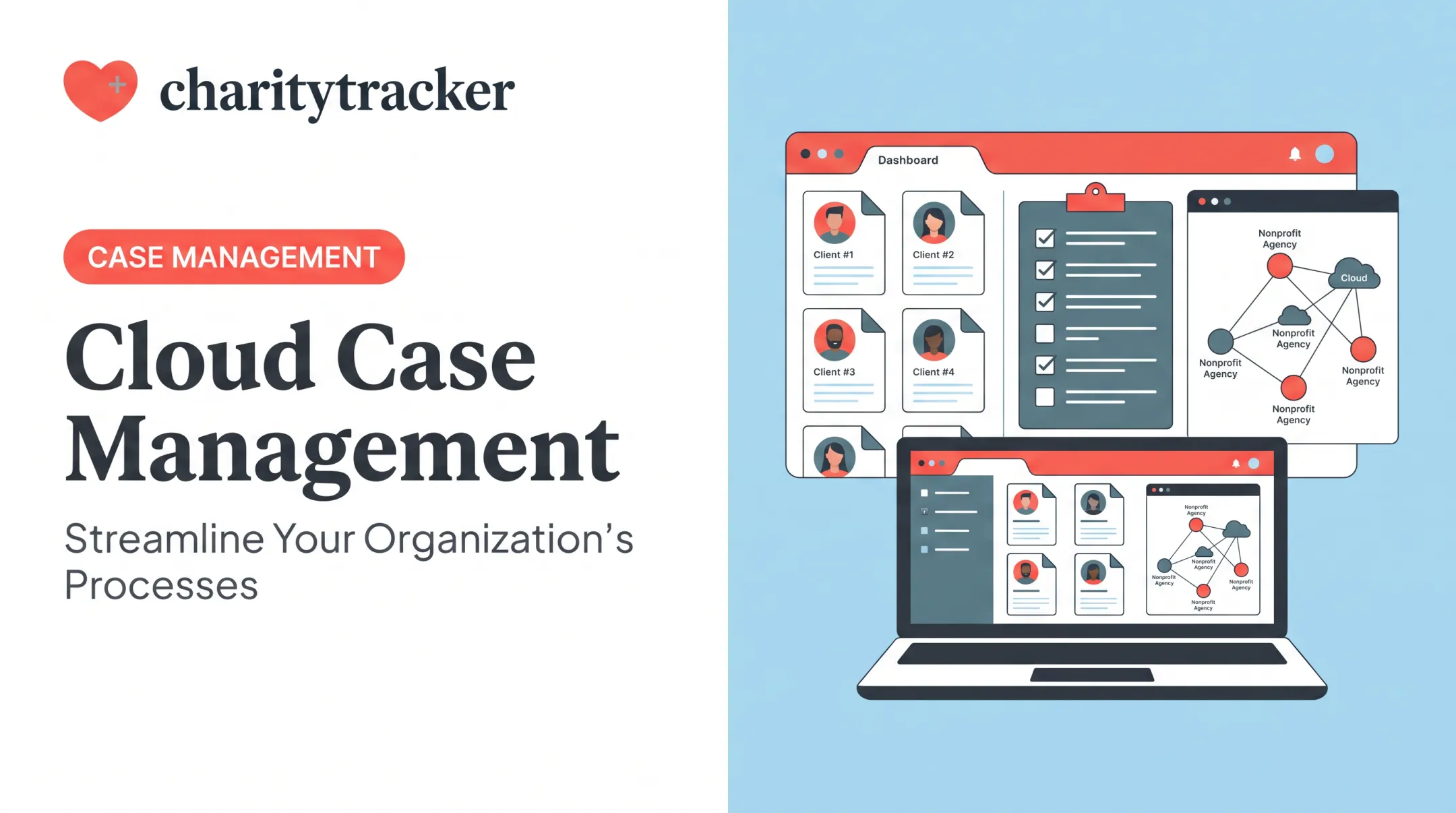
With a connected case record, like the kind CharityTracker's Assistance Network is designed to support, authorized partner agencies can see relevant history and avoid duplicating aid or working at cross-purposes. That's the practical value of inter-agency case management: less repeated intake, better-coordinated outcomes.
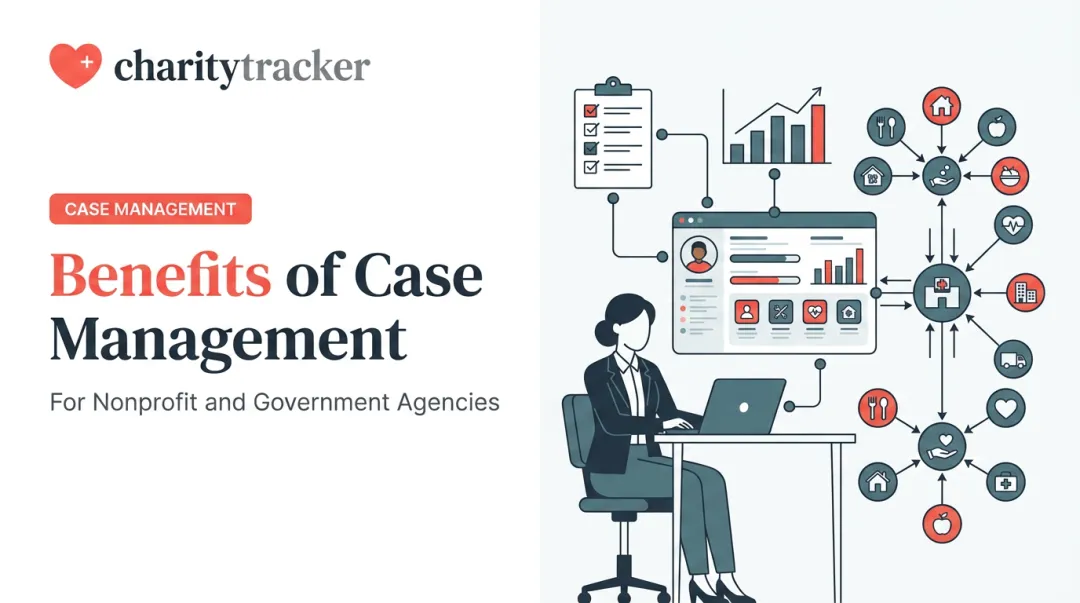
Once those shared records are in place, dashboards and reports give leadership a clear view of service volume, referral activity, unmet needs, and progress toward program goals.
What Problems and Benefits Should Organizations Consider?
Manual and fragmented case tracking creates predictable friction:
- Lost or misplaced documents
- Inconsistent notes between staff members
- Duplicate assistance because no one saw the full history
- Slow handoffs between departments or partner agencies
- Limited visibility into which cases are actually open
- Grant and funder reports that take days to assemble by hand
Electronic systems address these gaps by putting current case information, referral status, and follow-up dates in one shared place for authorized staff.
Mobile case workers, satellite programs, and emergency response teams gain the same advantage through remote access and digital intake when clients cannot visit a physical office.
Reporting Gets Easier — But That's Not Automatic
Structured records make it easier to evaluate program performance and show how funds were used. The reporting burden remains real, though.
Urban Institute's 2013 survey of human-service nonprofits found that nearly three-quarters cited inconsistent government reporting formats as a problem. Software organizes the data; it does not remove the complexity of multiple funder requirements.
The Trade-Offs Worth Planning For
Adopting a new system isn't free of friction, either:
- Implementation and data migration take real time
- Staff training and workflow changes need a runway
- Configuration complexity varies by system
- Privacy risk rises if permissions are set poorly
- Vendor dependence keeps your data on outside infrastructure
Smaller organizations feel these trade-offs more acutely. NTEN's analysis of nearly 1,300 nonprofit technology assessments found that organizations with fewer than one full-time employee triggered risk flags on 65% of their answers, compared with 34% for organizations with 150 or more staff.

That gap is about readiness, not software failure. Budget time and training alongside any subscription cost.
On the benefit side, organizations using CharityTracker have reported concrete gains:
- Nathaniel R., an office clerk and First Call for Help representative, cut paperwork time in half
- Donna P., an executive director, reduced double entries with the system's search tools
Individual results are not guaranteed, but they show what solid configuration can deliver.
Features to Look For in an Electronic Case Management System
Not every system needs every feature, but a few capabilities separate genuine case management platforms from glorified spreadsheets.
Core capabilities:
- Digital intake with customizable forms
- Centralized client profiles and case notes
- Secure document storage
- Task and reminder workflows
- Search functionality
- Role-based permissions and audit trails
- Configurable reporting
Features especially relevant to community organizations:
- Inter-agency referrals with duplicate-service prevention
- Remote or kiosk intake
- Digital signature capture
- Barcode-based client identification
- Resource directories
- Funder and grant reporting templates (HUD/HMIS, VOCA, ESG CAPER, and similar)
Security and Governance Questions to Ask
Before signing a contract, ask vendors directly about:
- Encryption standards (data at rest and in transit)
- Access controls and authentication methods
- Backup frequency and disaster recovery
- Data retention rules and export options
- Incident response procedures
HIPAA doesn't automatically apply to every nonprofit holding sensitive client data. HHS defines coverage around specific entity types: health plans, clearinghouses, and providers that transmit information electronically for covered transactions, plus their business associates.
If your organization isn't clearly one of those, verify your actual regulatory obligations before assuming HIPAA sets your compliance bar.
When you compare answers on encryption, access, backups, and export rights, look for specifics you can verify. CharityTracker lists ISO 27001 certification, 256-bit SSL encryption, and daily backups to redundant servers across multiple U.S. locations, along with organization-level data ownership and export access.
How to Choose and Implement a System
Picking the right platform starts with mapping your current reality, not browsing vendor feature lists.
- Document existing workflows – What actually happens from intake to closure today?
- Identify users and permission levels – Who needs access to what, and why?
- List required reports – Funder reports, board reports, internal dashboards.
- Define integration needs – Does it need to connect with HMIS, existing databases, or other tools?
- Estimate migration requirements – How much existing data needs to move, and in what condition?
- Rank must-haves against nice-to-haves – Be honest about what you can live without.
Get the Right People in the Room
Involve case workers, administrators, leadership, and IT or security staff in demonstrations. Where appropriate, include client feedback in usability testing too. The people entering data daily will spot workflow mismatches that a leadership-only evaluation will miss.

Implementation Priorities
- Clean up existing data before migration
- Configure forms and workflows to match real processes, not generic templates
- Run a pilot with a small team before full rollout
- Train staff thoroughly, and plan for ongoing refreshers
- Monitor adoption and address resistance early
- Confirm support availability, then check in again after launch to review results
Organizations looking for an approachable starting point often choose CharityTracker. Plans start at $60 per month for the Pro Plan, which includes HMIS integration and assessments, plus digital intake, centralized records, inter-agency collaboration, and remote access.
Trident United Way in Charleston, South Carolina has used the platform for 12 years, showing sustained practical use rather than a one-time purchase.
Conclusion
An electronic case management system is more than a digital filing cabinet. It connects client information with workflows, collaboration, accountability, and measurable outcomes, turning scattered notes and spreadsheets into something a whole team can act on.
The right choice depends on your organization's specific circumstances. Weigh the people you serve, the sensitivity of their data, the complexity of your workflows, and the training support you'll need to make adoption stick. Start with your actual processes, not a features checklist, and the right fit becomes clear.
Frequently Asked Questions
What is an electronic case management system?
It's software for securely managing case records, workflows, communications, tasks, referrals, documents, and outcomes across the full lifecycle of a client's case, from intake through closure.
How is electronic case management different from a spreadsheet or database?
Case management systems combine records with workflows, permissions, follow-up tasks, collaboration tools, audit histories, and reporting. A spreadsheet just stores information; it doesn't route tasks or track referral outcomes.
Who can benefit from an electronic case management system?
Nonprofits, human services organizations, healthcare teams, government agencies, faith-based ministries, food banks, youth programs, veteran-serving organizations, and disaster relief groups all use these systems regularly.
What features should an electronic case management system include?
Look for digital intake, centralized client profiles, case notes, secure document management, role-based access, referral tracking, reminders, configurable reporting, and outcome tracking.
Is electronic case management secure?
Security depends on both the vendor's controls and your own configuration. Check for encryption, access management, audit trails, backups, data retention policies, and whatever confidentiality requirements actually apply to your organization.
How long does it take to implement an electronic case management system?
Timelines vary based on data migration needs, workflow complexity, integrations, customization, and staff readiness. Ask any vendor for a realistic, specific implementation plan rather than a generic estimate.