Introduction
Nonprofits are stretched thinner than ever. Candid reports 39% of nonprofits ran a deficit in 2026, up from just 22% in 2026, while 73% saw demand for services increase over the same period.
Add tighter funder reporting requirements, and paper-based recordkeeping stops being a minor inconvenience.
"Document management" often gets framed as an abstract IT upgrade, something to tackle once budgets allow. Its real value shows up in smaller, daily moments.
A caseworker pulls up a client file in seconds instead of digging through a filing cabinet. An executive director preps for an audit without a week of panic.
This article looks at how document management systems reduce admin burden and strengthen compliance for nonprofits. It also covers how they improve daily collaboration, focusing on what these systems do in practice, not just what vendors promise.
Key Takeaways
- Digital systems replace paper filing with secure, searchable storage for donor, financial, and client records.
- Staff spend less time hunting for files, freeing hours for direct client work.
- Automated audit trails and access controls speed compliance prep and reduce stress.
- Shared record visibility across agencies prevents duplicate services and strengthens funder reporting.
- Real value depends on consistent adoption and integration with case management tools.
What Is a Document Management System?
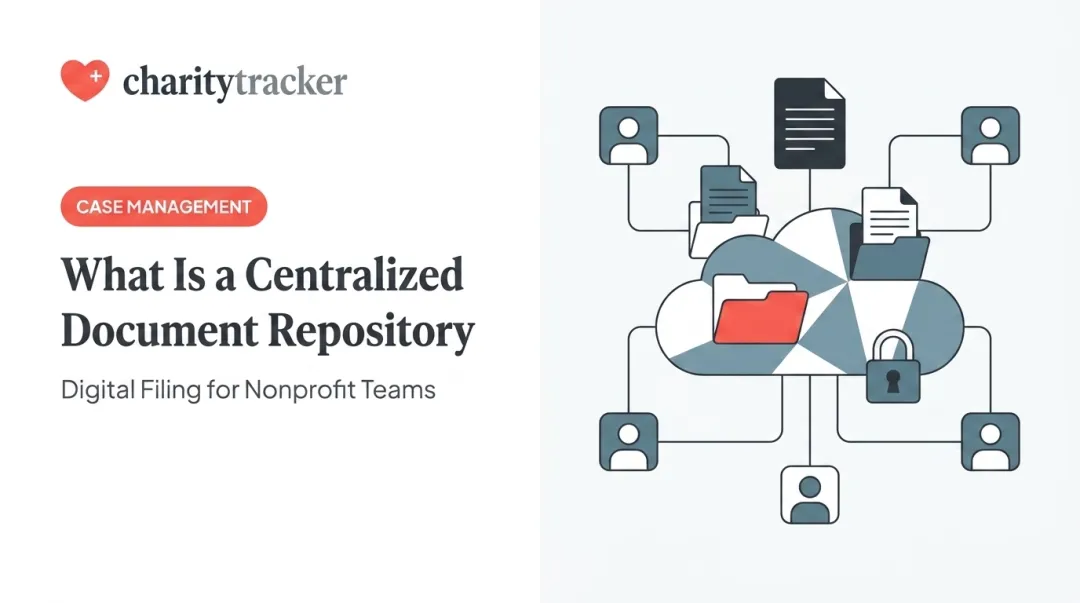
A document management system (DMS) stores, organizes, secures, and retrieves an organization's files from one central digital location instead of scattered folders, email attachments, or paper cabinets.
For nonprofits, that typically means:
- Donor records and gift acknowledgments
- Grant applications and reporting documents
- Volunteer agreements and background checks
- Financial statements and tax filings
- Board meeting materials and governance documents
- Client case files and intake forms

Beyond simply digitizing paper, a DMS frees up staff time, protects sensitive data, and builds the audit trail that funders and regulators expect to see.
Key Advantages of Document Management Systems for Nonprofits
The advantages below focus on measurable, day-to-day operational impact rather than vague "going digital" benefits. Each one ties to outcomes nonprofits actually track: staff hours, compliance risk, audit readiness, and program funding protection.
Reclaiming Staff Time and Cutting Administrative Overhead
A DMS replaces manual filing and searching with instant, keyword-based retrieval. Instead of a caseworker flipping through folders or emailing a colleague to ask "do you have the signed intake form?", the document is one search away.
This isn't a small problem. A 2026 OpenText survey found that 47% of global workers spend more than an hour per workday searching for files or data. Separately, industry research has found that more than 8 in 10 workers had recreated a document simply because they couldn't locate the original.
For nonprofits, that lost time translates directly into fewer hours available for client-facing work. That's a real cost for organizations already running lean administrative teams.
One CharityTracker user, an office clerk who also serves as a First Call for Help representative, put it plainly: the platform cut his paperwork time by at least half, largely by eliminating the back-and-forth of tracking down documents and recreating lost ones.
KPIs impacted:
- Staff hours per administrative task
- Document processing time
- Cost per case or file handled
This advantage matters most during high-volume intake periods, disaster response, or when staff are juggling multiple grant-funded programs at once, exactly when there's no time to spare hunting for files.
Strengthening Compliance and Protecting Sensitive Data
DMS platforms enforce access controls, encryption, and retention schedules for donor, financial, and personally identifiable information. Built-in audit trails automatically log every document view, edit, and access point, replacing the manual chain-of-custody tracking that eats up staff time before an audit.
Why this matters: audit-ready records reduce the risk of losing tax-exempt status or funder trust due to poor recordkeeping. The IRS requires exempt organizations to keep records supporting reported income, expenses, activities, and continued qualification for exemption: generally at least three years, longer for employment tax and permanent governance records.
Cybersecurity is part of this picture too. A 2026 study of European NGOs found at least one compromised user account at 70% of the organizations analyzed.
That figure comes from a European sample, not U.S. nonprofits specifically. Still, it reflects a pattern security researchers see across the sector: small organizations with limited IT resources are frequent targets.
The Sarbanes-Oxley Act primarily governs public companies, though two provisions apply broadly to nonprofits: whistleblower protection and criminal liability for destroying documents during an official proceeding. It isn't a general DMS mandate for nonprofits, but the discipline it encourages, clean records and clear custody, is exactly what a DMS delivers.
KPIs impacted:
- Audit preparation time
- Number of compliance flags or violations
- Data security incidents
This matters most for organizations managing government contracts, healthcare-adjacent client data, or operations spanning multiple states with different regulatory requirements.
Enabling Secure Collaboration and Reducing Duplicate Service Delivery
Cloud-based, role-based access lets caseworkers, volunteers, and partner agencies view up-to-date records from anywhere. That shared visibility helps flag when a client has already received assistance elsewhere, before a second agency unknowingly duplicates the effort.
HUD's Homeless Management Information System documents this same principle at a federal level: provider records can be merged to eliminate duplicate client entries and prevent double-counting in systemwide outcomes. FEMA runs a similar check for disaster assistance, comparing insurance and loan records so applicants aren't paid twice for the same loss.
Purpose-built case management platforms bring this same logic to everyday nonprofit work. CharityTracker's inter-agency referral network, for example, gives participating organizations shared access to client histories. As one user, an Office Clerk and First Call for Help Representative, described it, the networking function "definitely enabled us to ensure we do not duplicate services and helped increase capacity."
That shared record also strengthens funder reporting — leadership can show a complete, longitudinal view of client progress instead of fragmented snapshots from a single program.
KPIs impacted:
- Duplicate service incidents
- Referral turnaround time
- Funder-reported outcome accuracy
This advantage matters most for coalitions or networks serving overlapping populations, such as disaster relief, homelessness services, or food assistance programs.

What Happens When Document Management Is Missing or Ignored
Under-resourced nonprofits without a real document system tend to run into the same problems, over and over:
- Inconsistent client records leading to duplicated or gap-filled services
- Higher error rates in funder and government compliance reporting
- Reactive scrambling during audits, disasters, or leadership transitions instead of steady readiness
- Rising hidden costs from physical storage and staff hours, plus the risk of compliance penalties
- Trouble scaling programs or onboarding new staff without a consistent system in place
None of these show up as a single dramatic failure. They accumulate quietly, until an audit, a leadership change, or a funder question exposes exactly how much was being held together with sticky notes and shared drives.
How Nonprofits Can Get the Most Value from a Document Management System
A DMS only delivers real value when it's applied consistently, reviewed regularly, and used to inform real decisions — not implemented once and left alone.
- Apply it consistently. Enforce clear naming conventions and access policies across every department, not just finance or HR.
- Review outcomes regularly. Track staff hours saved, audit turnaround time, and reporting speed to confirm the system delivers results.
- Integrate with case management workflows. Pairing document storage with a platform like CharityTracker combines secure document handling, client tracking, and funder reporting in one place instead of juggling separate tools.

Conclusion
Document management earns its value through the control and consistency it brings to daily operations. Saved staff hours become reinvested program capacity, while stronger compliance builds long-term funder trust.
Document management works best as an ongoing practice woven into case management strategy, not a one-time purchase left to gather digital dust.
Frequently Asked Questions
What are the top document management systems nonprofits use?
Many nonprofits use general-purpose tools like Google Workspace, Microsoft SharePoint, Box, or Adobe Document Cloud for basic file storage. Organizations needing more than storage often turn to nonprofit-specific platforms like CharityTracker, which bundle document handling with client tracking and reporting.
What is the best document management system for a nonprofit?
It depends on your needs. General cloud storage works fine for basic file sharing, but organizations managing client services get more value from integrated case management platforms with built-in document features.
How much does a document management system cost for a nonprofit?
Costs vary by platform and features. Case management CRMs like CharityTracker offer plans starting around $60 per month, with a free trial available to test the fit before committing.
Is document management software the same as case management software?
Not quite. Document management focuses on storing and securing files. Case management software includes document handling plus client tracking, outcomes reporting, and inter-agency collaboration.
How does a document management system help nonprofits stay compliant?
Automated audit trails, retention schedules, and access controls help nonprofits meet IRS, grant, and data privacy requirements without manually tracking every document's history.
Can small nonprofits with limited budgets still benefit?
Yes. Cloud-based platforms scale to small teams, eliminate physical storage costs, and often allow setup within days rather than months.