That manual burden pulls staff away from serving clients. Dashboard software fixes this by centralizing case data and turning it into real-time, visual snapshots anyone on the team can understand at a glance.
This guide breaks down what nonprofit dashboard software actually does, the features worth prioritizing, the core benefits organizations see, common dashboard types, and how to choose a platform that fits your budget and team size.
Key Takeaways
- Dashboards centralize client, program, and outcome data into one real-time view for staff, boards, and funders
- The right platform cuts paperwork, prevents duplicate service delivery, and strengthens funder reporting
- Prioritize case management integration, custom reports, inter-agency sharing, and mobile access
- Affordable platforms like CharityTracker let small teams start tracking and reporting within minutes
What Is Nonprofit Dashboard Software?
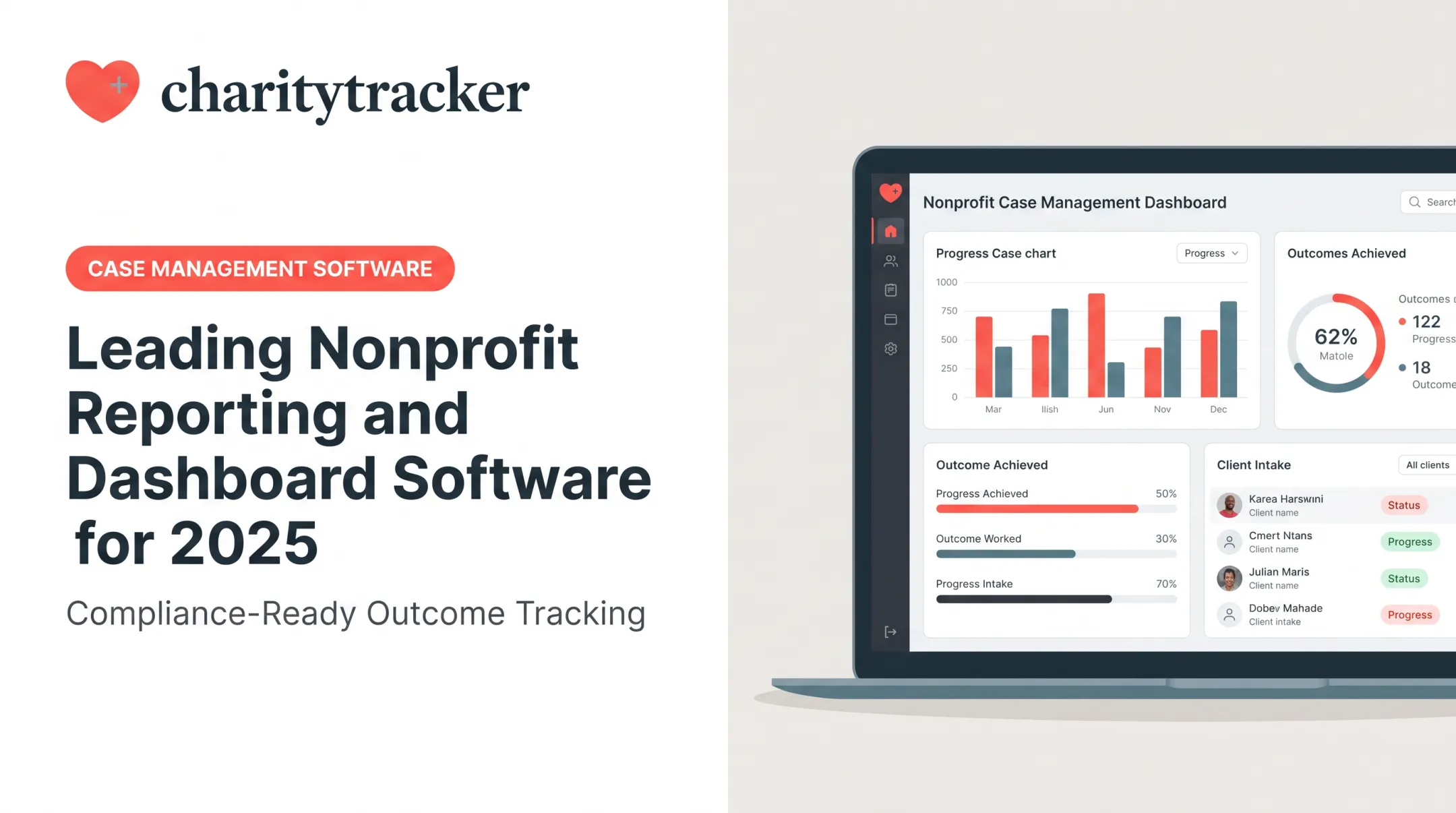
Nonprofit dashboard software is a visual layer built on top of your existing client and program data. It shows trends, outcomes, and operational health in real time, without anyone needing to open a spreadsheet or build a chart from scratch.
Dashboards and reports aren't the same thing, though nonprofits often confuse the two:
- Dashboard: A quick, high-level visual snapshot for everyday decisions
- Report: A detailed, periodic deep-dive used for formal submissions, audits, or board packets
TechSoup frames it this way: a dashboard displays meaningful data for ongoing use, while an annual report builds a narrative around major metrics like financial health and impact reach.
One caveat matters here: a dashboard is only as good as the data feeding it. If case notes live in three different spreadsheets, your dashboard will just show you three different versions of the truth.
Key Features to Look For in Nonprofit Dashboard Software
Not every platform advertised as a "dashboard" actually solves the underlying data problem. Here's what to check for.
Centralized Data and Real-Time Visualization
Look for a single record per client that's accessible across programs. This eliminates the siloed spreadsheet problem where the housing team and the food pantry team have zero visibility into each other's work.
Charts and metrics should update automatically as case workers log new data. Static exports that go stale the moment someone downloads them defeat the purpose.
Funder-Ready Reporting and Inter-Agency Tools
Your platform should generate grant- and funder-specific reports without rebuilding them from scratch every quarter. CharityTracker, for example, provides customizable funder and grant reports, plus custom CSV and Excel exports.
Shared referral networks let partner organizations see what assistance a client has already received. CharityTracker's Member Agency model allows authorized staff to view shared client histories and assistance records once proper Release of Information consent is on file.

Remote Access, Security, and Compliance
Cloud-based access matters because case workers aren't always at a desk. Field capabilities to prioritize:
- Remote or kiosk intake so clients can complete forms digitally
- 24/7 platform availability for emergency response situations
- Barcode scanning for faster client check-in
Sensitive client data also demands real safeguards:
- Role-based, agency-level access controls
- Unique logins for every user (no shared credentials)
- Encryption and controlled-access hosting
- HIPAA-aligned compliance frameworks where applicable
HHS notes that HIPAA rules apply to covered entities and certain business associates handling protected health information.

Core Benefits of Using Dashboard Software
Dashboard software pays off in hours reclaimed, cleaner data, stronger funder trust, and decisions grounded in live numbers—not last quarter’s spreadsheets.
Time Savings
CharityTracker's own customer data points to a 50% reduction in paperwork time for organizations that adopt the platform. One user, Nathaniel R. of First Call for Help, put it simply: "The software is so user-friendly that I have cut my paperwork time in half, at least!" It's a self-reported figure, not a controlled study, but it matches what staff describe across the sector: less time rebuilding spreadsheets, more time with clients.
Improved Accuracy and Reduced Fraud
Centralized records let staff check assistance history before approving new aid. A food pantry can confirm whether someone already received their yearly allotment. A church benevolence fund can see if an applicant is requesting the same aid from three different agencies simultaneously.
CharityTracker data shows organizations report an average 91% reduction in duplicated services among churches using the platform. Leighton Baptist Church's Lee Ann Akers noted the software "more than paid for itself" by stopping payouts to people abusing the assistance system.
Stronger Funder Relationships
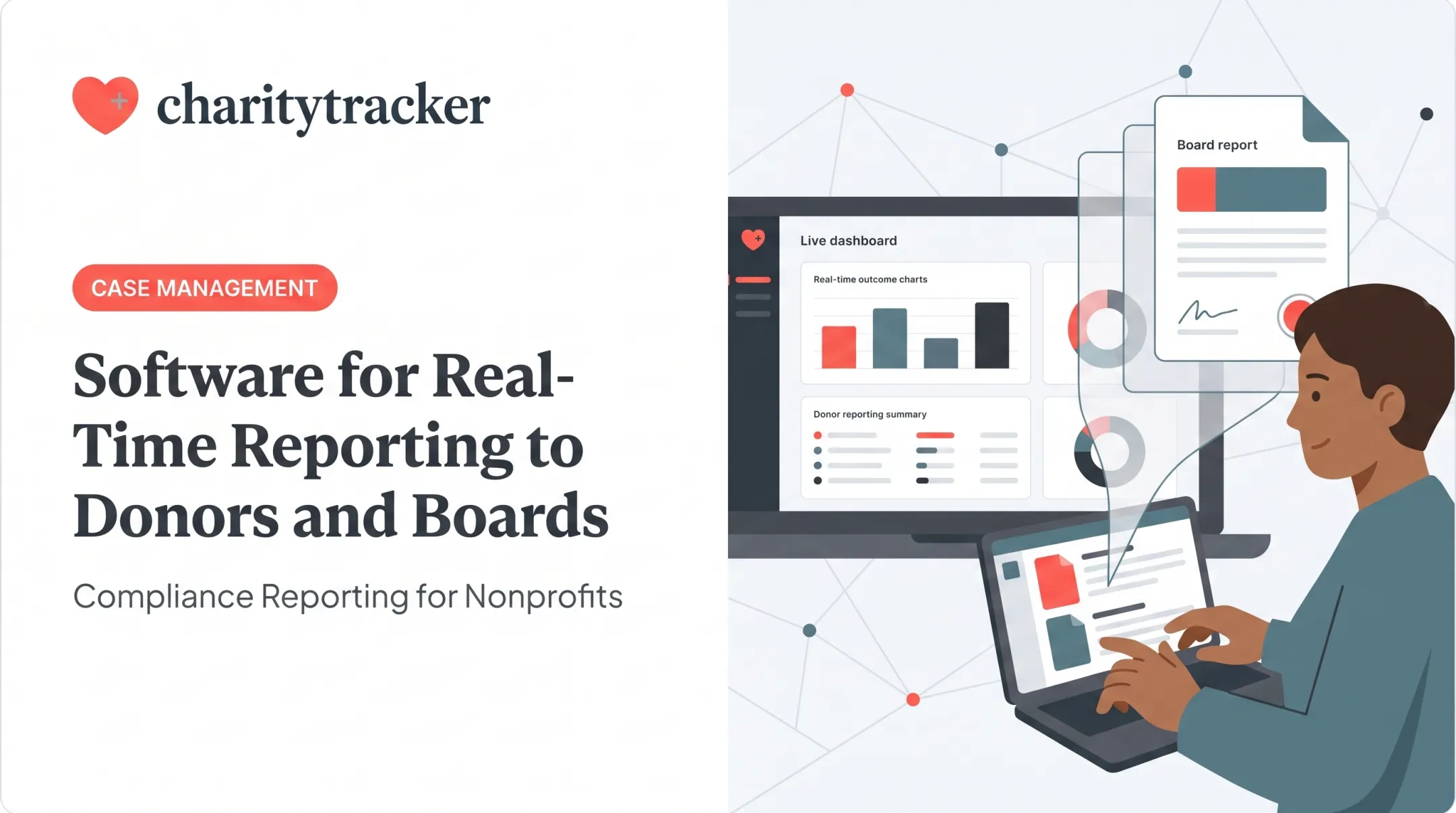
Transparent dashboards give funders real evidence of impact instead of a rushed report assembled the week before a deadline. Donna P., an executive director using CharityTracker, described the system's "nimbleness" for building reports tailored to different grantors and evaluation requirements. That same live data also sharpens day-to-day calls inside the organization.
Better Decision-Making
Leadership can spot trends and reallocate resources before a problem grows. If intake data shows a spike in utility assistance requests in one zip code, that's a signal to shift staff or apply for targeted funding. You would not catch that buried in a spreadsheet three months later.
Team Alignment
A shared dashboard keeps everyone working from one source of truth:
- Program staff, leadership, and board members work from the same numbers
- No more reconciling three different versions of "how many clients did we serve"
- Fewer meetings spent debating whose data is correct
Long-Term Impact Tracking
Historical data reveals patterns that single snapshots miss. CharityTracker's Changes Over Time Report tracks each client's goals and milestones from intake through program completion. Cathy Easley of Trident United Way has used the platform for 12 years to understand assistance histories across partner agencies. That long view helps teams spot patterns and work to break cycles of generational poverty.

Common Types of Nonprofit Dashboards
| Dashboard Type | Primary Audience | What It Shows |
|---|---|---|
| Executive/board | Leadership, board members | Program outcomes, financial health, staff capacity |
| Program impact | Program managers | Clients served, service types, outcome rates |
| Compliance and grant | Compliance officers, grant managers | Grant utilization, funder KPIs, reporting deadlines |
Each type supports a different set of decisions. A board member doesn't need caseload detail down to the individual client, and a program manager doesn't need quarterly financial summaries. Good platforms let you build role-specific views from the same underlying data instead of forcing everyone onto one generic screen.
How to Choose the Right Dashboard Software for Your Organization
The right platform should be easy to roll out, fit the tools you already use, and stay affordable as you grow. Run through these checks before you commit.
Assess Ease of Implementation
Prioritize platforms that don't require weeks of training. CharityTracker, for instance, sends an account-ready confirmation within 5-10 minutes of registration and offers a 14-day free trial with no credit card required. Organizations can start tracking and reporting almost immediately.
Confirm Integration and Scalability
Ask vendors directly:
- Does it connect with your existing case management or accounting tools?
- Does it support HMIS integration if you're a HUD-funded program?
- Can it grow as your caseload and staff count increase?
- What data formats does it export (CSV, Excel, API access)?
Get specifics in writing rather than relying on marketing language alone.
Evaluate Affordability Relative to Features
Entry-level case management pricing in this category commonly runs $10 to $32+ per user per month, according to Capterra's social work software listings. That range reflects 2026 vendor pricing, so confirm current rates directly with vendors.
CharityTracker's tiers illustrate the range:
- Basic — $20/month: Case notes, assistance tracking, reports
- Plus — $40/month: Adds outcome measurement, document uploads, referrals
- Pro — $60/month: Adds assessments, Changes Over Time Reports, API access, remote/kiosk intake

How CharityTracker Brings Dashboard Features to Life
CharityTracker centralizes case management, remote intake, and inter-agency referral data into one platform. Organizations including The Salvation Army and Boys & Girls Clubs of America trust it—part of a network serving over 2,500 communities and 20,000+ users nationwide.
The Changes Over Time Report works like a live outcomes dashboard. It tracks each client's goals and progress from intake through program completion, so staff and funders see results as they happen—not only in a year-end summary.
Practical dashboard-style capabilities include:
- Customizable assessments tied to client goals and program milestones
- Flexible CSV/Excel exports for funder-specific reports each quarter
- Built-in HMIS, VOCA, and ESG CAPER reporting formats on the Pro Plan
- Remote intake and API access for teams that need data beyond the office
Faith-based ministries and government agencies get the same visibility larger organizations build with custom systems—without the build cost. Smaller teams can meet compliance requirements and still keep outcome data easy to share with funders.
Frequently Asked Questions
What is the difference between a dashboard and a report?
A dashboard offers a quick, high-level visual snapshot for everyday decisions. A report is a detailed, periodic deep dive used for funder submissions or board packets.
How many metrics should a nonprofit dashboard include?
There's no official standard. Most teams stick to 10-15 key metrics so the view stays usable—and only track what drives real decisions.
What features should small nonprofits prioritize in dashboard software?
Ease of use, affordability, and quick implementation matter most for smaller teams with limited IT support. Look for platforms with free trials and minimal training requirements.
Can nonprofit dashboard software help prevent fraud?
Yes. Centralized client history lets staff check whether someone already received assistance elsewhere, flagging potential duplicate or fraudulent requests before payouts happen.
Is nonprofit dashboard software secure for sensitive client data?
Reputable platforms use role-based access controls, unique staff logins, and encryption to protect data. Confirm any HIPAA-aligned safeguards match your organization's specific compliance obligations.
How quickly can a nonprofit implement dashboard software?
Modern platforms like CharityTracker let organizations register and get account access within 5-10 minutes, then start tracking and reporting soon after setup.