This guide covers the forms most US food pantries and food banks need: client intake, sign-in sheets, distribution logs, volunteer records, and the online tools that can replace paper entirely. We'll also draw a clear line between information you need to deliver services and information you're collecting just because it's always been on the form.
Key Takeaways
- Map required forms first: intake, sign-in, distribution, volunteers, donations, and inventory
- Keep sign-in sheets short: eligibility, service coordination, or safety only
- Use digital forms for consistency—with access controls, training, and retention rules
- W-4 and W-9 forms are for employees and vendors, not client intake
Common Food Pantry Forms and What Each One Should Capture
Pantries typically juggle six to eight distinct forms, and confusing their purposes is where most recordkeeping problems start.
The Core Form Types
- Client intake form: Establish eligibility and household details once, then update only when information changes
- Sign-in sheet: Confirm service delivery on every visit
- Food distribution log: Record what was actually given out
- Volunteer sign-in sheet: Track who worked and when
- Donation receipt/log: Document incoming food and supplies
- Inventory record: Track stock, expiration dates, and temperature logs for perishables
- Referral form: Note when a client is connected to another service
A common mistake is treating the sign-in sheet like a mini intake form. Returning visitors should not re-enter household size, contact details, or eligibility information on every visit. Keep that data in the intake record; use the weekly sheet only to confirm service.
What Belongs on an Intake Form vs. a Sign-In Sheet
Intake forms should capture household size, contact preferences, eligibility basis, language or accessibility needs, consent choices, and referral needs. Requirements vary by program, funder, and state, so confirm specifics before finalizing your template.
Sign-in sheets need far less: date, client or household identifier, service type, household size when it affects box size, and staff initials confirming service.
A quick field-selection test: before adding any field to either form, ask whether it has a defined purpose, a responsible staff member, a retention need, and a plan for keeping it accurate. If you can't answer all four, cut the field.
One area where pantries often overreach is identification. USDA's guidance for TEFAP household distribution makes clear that states may ask about residency, but they cannot require an address or ID document as a condition of receiving food.
Self-attestation is often enough. If your pantry participates in TEFAP, build intake around that rule instead of defaulting to "always ask for ID."
Keep operational records off the client-facing sign-in sheet. Quantities distributed, expiration or discard notes, volunteer hours, donor details, and referral outcomes belong in separate logs. Mixing them in is how sensitive information becomes visible to people who do not need to see it.
How to Create a Food Pantry Sign-In Sheet Online
Before picking software, define the workflow. Sign-in needs change depending on how clients receive food:
- Scheduled appointments
- Recurring food boxes
- Choice pantry browsing
- Mobile distribution sites
- Emergency food during a crisis
Each scenario changes what you need to capture at check-in.
Choosing Your Format
Match the tool to your constraints:
- Form builder — good for straightforward, low-volume sign-in with basic reporting
- Fillable PDF — works when internet access is spotty but you still want structured fields
- Spreadsheet — flexible but risky at scale without access controls or audit trails
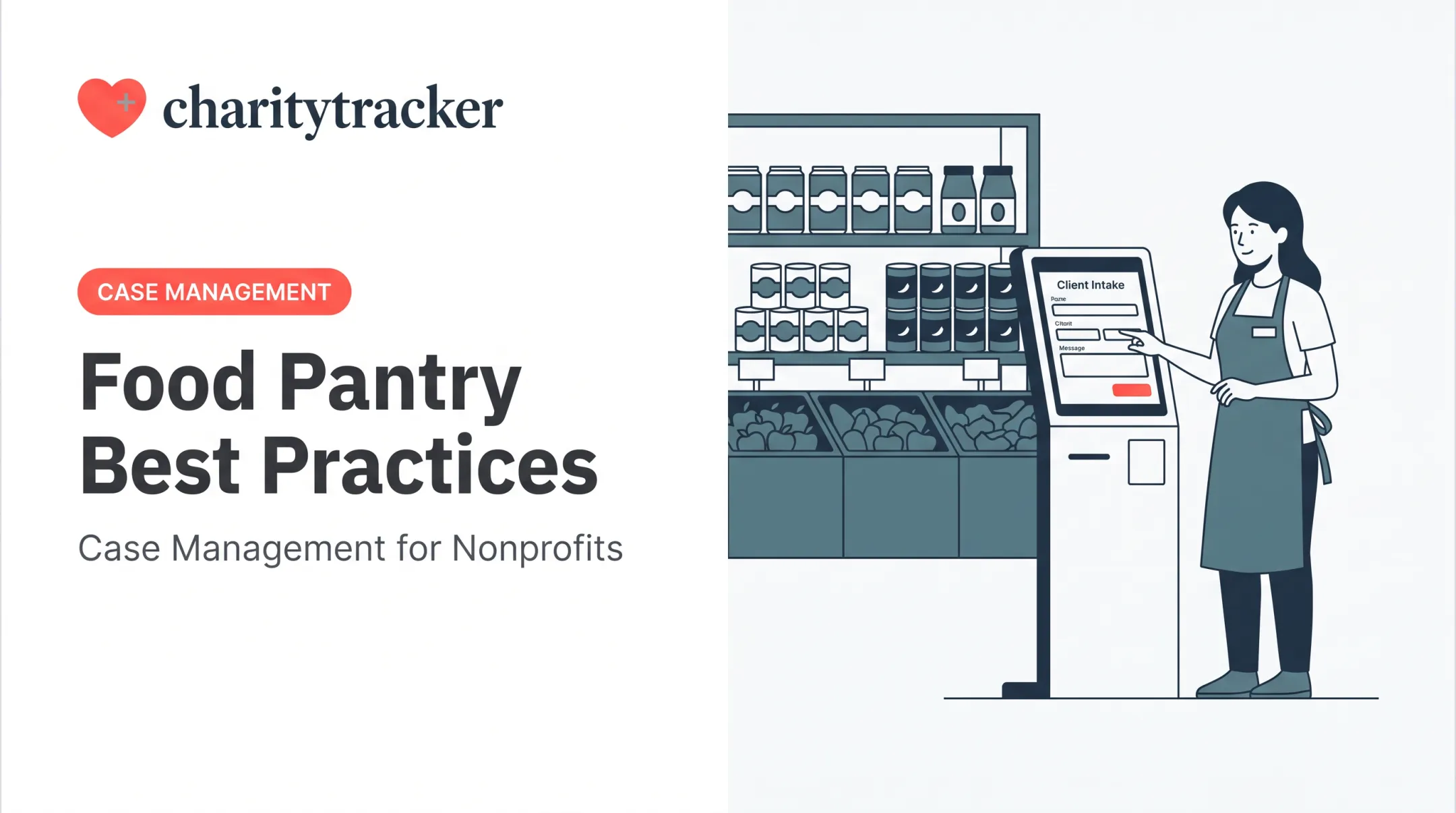
- Kiosk — lets clients self-check-in on a tablet, reducing staff data entry
- Case-management platform — best when you need referrals, reporting, and duplicate prevention across multiple sites
Building the Form Itself
Use practical field types rather than open text wherever possible:
- Dropdowns for service type
- Checkboxes for consent or referral options
- Date fields that auto-populate
- Unique client identifiers instead of full names on shared views
- Conditional questions that appear only when relevant (for example, referrals when a client needs extra services)
Returning-client lookups matter more than most pantries realize. If a household has to re-enter their information every visit, check-in lines get longer and typos multiply.
A barcode-scannable client ID card pulls up an existing record instantly instead of forcing staff to retype it.
Before launch, test the form with real scenarios:
- Complete it as a first-time client, a returning client, and someone with unusual household circumstances
- Check mobile and kiosk usability on the actual devices you'll use
- Confirm required fields trigger correctly and confirmation messages display
- Export a sample record and review it for missing or garbled data
Once the form is live, lock down day-to-day operations:
- Set permissions for who can view, edit, or delete records
- Turn on automatic backups and an audit trail
- Create a correction process that flags errors without erasing original service history

Choosing Between Paper, PDF, Spreadsheets, and Digital Software
There's no single right answer here. It depends on your connectivity, staffing, and privacy needs.
| Format | Setup Effort | Privacy Control | Reporting | Offline Use |
|---|---|---|---|---|
| Paper | Low | Weak (visible to others) | Manual | Excellent |
| Fillable PDF | Low-Medium | Moderate | Manual | Good |
| Spreadsheet | Medium | Weak (shared access) | Basic | Fair |
| Online form | Medium | Good | Automated | Poor without offline mode |
| Case-management software | Higher upfront | Strong | Automated, funder-ready | Varies |
When Paper Still Makes Sense
Paper isn't obsolete. It's often the right call during power or connectivity outages, pop-up or mobile distributions, or for clients who aren't comfortable with a device. Just build in a process: transcribe paper records into your digital system promptly, then dispose of the originals securely rather than letting them pile up in a drawer.
The Spreadsheet Trap
Shared spreadsheets feel free and flexible, but they create real problems:
- Duplicate entries when two staff add the same client under slightly different spellings
- Accidental access when a shared link gets forwarded
- No reliable way to tie one visit to a household's outcome history over time This is the gap platforms like CharityTracker were built to close. Its food pantry client tracking software registers clients, supports barcode check-in, logs every distribution, and flags duplicate visits across partner pantries—the exact failure points of a spreadsheet. The food bank-specific version, Oasis Insight, launched in 2011 and became a preferred provider within the Feeding America network. It was built around dietary tracking and reporting requirements that vary across food banks. For pantries weighing a move off paper or spreadsheets, ask whether you need centralized records, digital signatures, remote access, and coordinated referrals in one place. If your current volume is still low, you may not need that stack yet.

Designing a Secure, Inclusive, and Client-Friendly Recordkeeping Workflow
Data minimization is the guiding principle: collect only what you need for service delivery, eligibility, safety, referrals, or legally required reporting. Everything else is unnecessary risk sitting on a clipboard.
Privacy Safeguards Worth Building In
- Position paper sign-in sheets away from public view (not on an open counter)
- Use unique identifiers instead of full names on shared or visible screens
- Limit staff access to only what their role requires
- Secure devices with passwords and automatic lock screens
- Document consent clearly, including what happens if a client declines
- Set retention and secure-destruction rules in writing
Connect sign-in data to distribution and outcome records carefully. A volunteer scooping produce doesn't need to see a client's referral history, and a partner organization receiving a referral doesn't need full intake details, just what's relevant to the handoff.
Applicable rules vary widely: federal TEFAP requirements, state privacy laws, funder-specific conditions, and sector guidance from groups like the FTC on data security don't all say the same thing. Research what applies to your specific program rather than assuming one universal standard covers everything.
Accessibility and Dignity
Use plain-language questions, translated versions for common languages in your service area, large text options, and screen-reader-compatible digital forms. For digital tools, the W3C's accessibility guidance for form controls recommends touch targets of at least 24 by 24 CSS pixels so clients with mobility or vision differences can use kiosk check-in without frustration.

Always offer a "ask staff for help" option as a fallback.
Staff Training Checklist
- Define fields consistently across all staff (what counts as "household size," for example)
- Match returning clients accurately before creating a new record
- Follow a documented correction procedure: never just delete and retype
- Keep client information confidential, including casual conversations
- Know when to escalate a sensitive disclosure
- Have a script ready for when a client declines to answer an optional question
Common Mistakes to Avoid and an Implementation Checklist
The same handful of errors show up across pantries of every size:
- Collecting information "just in case" without a defined use
- Using one sheet for sign-in, intake, and distribution tracking simultaneously
- Leaving sign-in sheets visible on counters or in unlocked binders
- Recording client names inconsistently (nicknames, misspellings, married names)
- Forgetting to log actual distributions, leaving gaps in funder reports
- Keeping every record indefinitely with no review schedule
A Practical Rollout Sequence
- Define your service goals and what each form needs to accomplish
- Inventory the forms you actually need (see the list above)
- Draft minimum fields using the field-selection test
- Test with staff and volunteers before going live
- Pilot during one limited distribution period
- Review errors, missing fields, and client feedback
- Revise and roll out fully
Once the new workflow is live, track a few simple signals:
- Completion rates
- Duplicate records
- Missing fields
- Time required to prepare a funder report
Those metrics tell you whether the process is working day to day. The National Council of Nonprofits recommends a written retention schedule by document type rather than keeping everything forever. Apply the same discipline six months in: review whether each form still earns its place.
Forms should support respectful service. Collect only what your program genuinely needs to operate and report.
Frequently Asked Questions
What are common food bank forms and how can I create them online?
Common forms include client intake, sign-in sheets, distribution logs, volunteer sheets, and donation receipts. You can build them with a form builder, fillable PDF, spreadsheet, kiosk, or case-management platform once you've defined required fields and privacy controls.
How do I handle W-4 and W-9 tax forms for a food bank?
Form W-4 applies to employees for payroll withholding, while Form W-9 applies to vendors or independent payees, not ordinary client sign-in. Confirm collection, storage, and reporting obligations with a qualified tax professional.
What should be included on a food pantry sign-in sheet?
Include the visit date, a client or household identifier, service type, limited eligibility or household details only when necessary, consent or referral choices, and staff confirmation of service.
Should food pantries collect identification from clients?
Requirements depend on your program, funder, and applicable rules — for example, TEFAP prohibits requiring an address or ID document to confirm residency. Collect only what's necessary and explain clearly how the information is used and protected.
How long should a food pantry keep sign-in sheets?
Retention depends on funder terms, grant requirements, organizational policy, and applicable law. Create a documented retention and secure-destruction schedule instead of keeping every record indefinitely.