Introduction
Client intake forms buried in a shared drive. Contracts sitting in someone's inbox. Case notes scribbled on paper and filed in a cabinet down the hall. Sound familiar?
For nonprofits and social service agencies, scattered documents aren't just an annoyance. They cause duplicate work, lost files, and real compliance risk when sensitive client data is involved.
The scale of the problem is bigger than most organizations realize. In a Microsoft survey of 50 nonprofits, 60% said they had no organizational digital policy, and 92% allowed staff to access agency files from personal devices.
This article breaks down what a centralized document repository actually is, how it differs from a full document management system, and where purpose-built tools like CharityTracker fit into the picture.
Key Takeaways
- A centralized document repository stores all documents in one accessible location for authorized users
- Full document management systems (DMS) go further, adding workflow automation and lifecycle governance
- Options span general drives (Google Drive, SharePoint) to purpose-built platforms like CharityTracker
- Centralization cuts duplicate effort, tightens security, and supports remote, multi-agency collaboration
What Is a Centralized Document Repository?
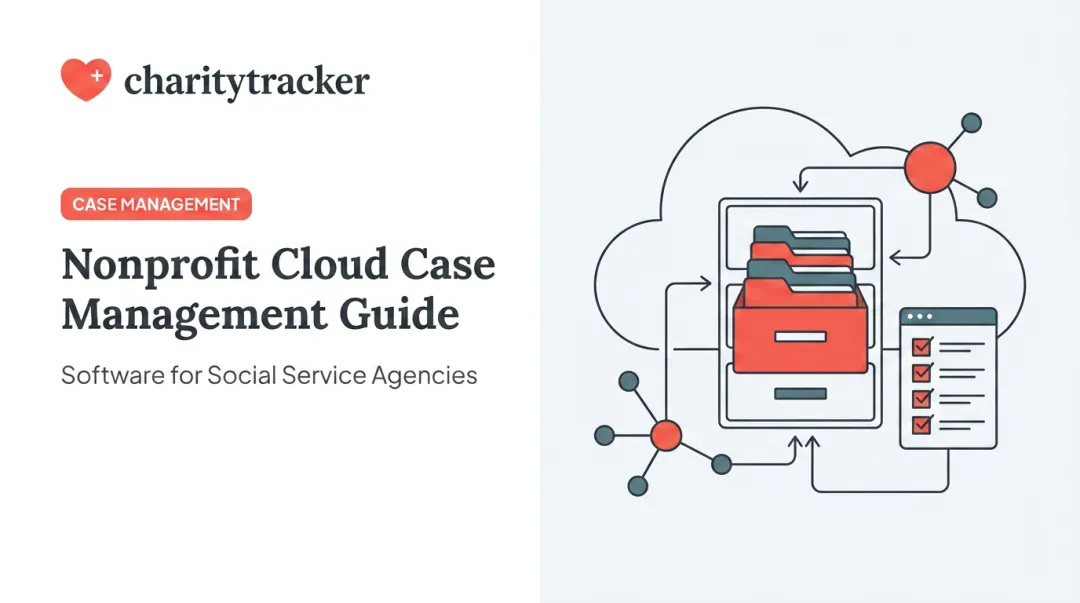
A centralized document repository is a single, unified digital location where contracts, forms, case records, and reports are stored, organized, and made accessible to authorized users. Instead of hunting through five different systems, staff open one platform and find what they need.
For nonprofits and government agencies, this matters more than it might for a typical business. Caseworkers often manage client files across multiple staff members, program sites, and funder relationships at once.
A document living in one person's email, or a paper form locked in a filing cabinet at a different office, becomes a liability the moment that person is out sick or that office closes early.
How a Centralized Repository Works
Repositories rely on indexing and metadata tagging to make files retrievable. Rather than manually clicking through nested folders, users search by keyword, document type, or client name and get the right file in seconds.
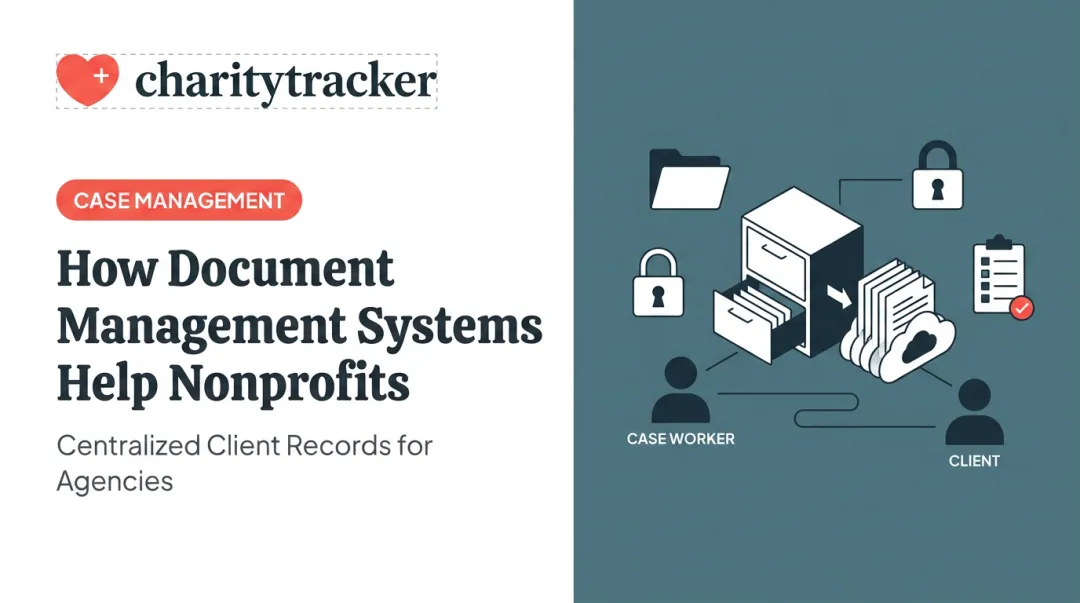
Role-based access permissions handle the security side, ensuring only authorized staff, or specific partner agencies within a referral network, can view sensitive records. For organizations handling confidential case information, this isn't optional. It's the mechanism that keeps a caseworker at one agency from viewing files they have no reason to access.
Key Features to Expect
Most repositories share a common feature set:
- Version control so teams always work from the current file, not an outdated copy
- Audit trails that log who accessed or edited a document, and when
- Search and discovery tools that go beyond folder browsing
- Encryption to protect data in transit and at rest
- Scalability to handle growing document volume without a system overhaul
Together, these capabilities translate into measurable time savings. McKinsey found that interaction workers spend nearly 20% of their workweek searching for internal information or tracking down colleagues, estimating a searchable knowledge base could cut that time by as much as 35%. CharityTracker builds this same searchable, centralized filing cabinet directly into its case management platform, pairing document storage with the client records and funder reports nonprofits already track.

Repositories also need to handle whatever format the documents already exist in. That means PDFs, scanned intake forms, spreadsheets, and images. This matters most for organizations still moving away from paper-based intake, where a single client folder might combine a handwritten form, a scanned ID, and a typed case note.
Benefits of a Centralized Document Repository
The advantages compound once documents live in one place instead of five.
Improved productivity and collaboration. Teams stop wasting hours locating files and start sharing from a single source. A Forrester Consulting study commissioned by Adobe found that 45% of respondents linked digital document processes to improved employee productivity, with 54% citing better collaboration as a top post-pandemic benefit.
Stronger security and access control. Role-based permissions and encryption keep sensitive client or financial data away from anyone who shouldn't see it.
Better compliance and audit readiness. Built-in audit trails and retention policies help organizations meet funder requirements and regulatory obligations. CharityTracker, for example, aligns with HIPAA and other confidentiality standards common in nonprofit and government casework.
Eliminates duplicate effort and data silos. When multiple staff or partner agencies reference the same source file, organizations avoid conflicting versions and duplicate service delivery. CharityTracker's inter-agency referral network is designed around exactly this problem, letting caseworkers see whether a client is already receiving assistance elsewhere.
Enables remote and multi-location access. Cloud-based repositories let hybrid teams, mobile caseworkers, and disaster-response staff pull up files from anywhere. That access becomes critical during emergencies, when case volume spikes and staff work across multiple sites at once.
Cost and space savings. Fewer filing cabinets, less paper, and pricing that scales with your organization rather than requiring a full infrastructure investment upfront.

Centralized Document Repository vs. Full Document Management System
A repository stores and organizes files. A document management system (DMS) builds on top of that with workflow automation, approval routing, and lifecycle management. Think of a repository as the filing cabinet and the DMS as the entire office process built around it.
| Capability | Basic Repository | Full DMS |
|---|---|---|
| Access control | Role-based permissions | Role-based permissions plus granular workflow-level controls |
| Automation | Minimal to none | Approval routing, e-signatures, workflow triggers |
| Audit trail | Basic access logs | Detailed version history, check-in/check-out, rollback |
According to AIIM, the industry association for information management, a DMS is software that stores, manages, and tracks documents. Version control and audit trails sit on top of that basic storage layer.
So when is a basic repository enough? If your organization just needs a secure place to store and retrieve files, a repository covers it.
Nonprofits handling sensitive client data typically need more:
- Referral tracking across partner agencies
- Case management workflows tied to client outcomes
- Funder-ready reporting for grants and compliance audits
That's where a purpose-built platform like CharityTracker outperforms a general-purpose drive, pairing secure storage with the workflow tools nonprofits need to prove impact.
Examples of Centralized Document Repositories
Not every repository looks the same. Here's how the options break down:
- General-purpose cloud storage – Google Drive, Microsoft SharePoint, and Dropbox are widely used and easy to adopt, though advanced governance features like extended audit retention or HIPAA business associate agreements are often plan-dependent, not automatic.
- Enterprise DMS platforms – Established enterprise document management platforms serve broader business needs, managing contracts, invoices, and approval workflows for organizations needing heavier automation.
- Governance-focused repositories – Board management platforms like Convene centralize and secure board documents, meeting packets, and voting records, with role-based access and encryption built for governance rather than casework.
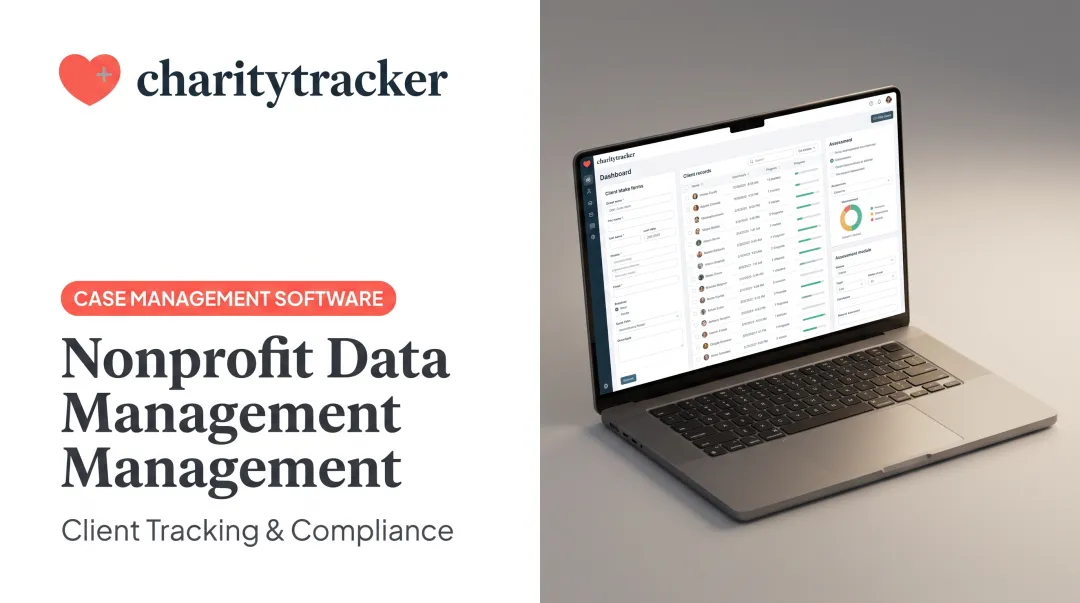
- Purpose-built for nonprofits and social services – CharityTracker centralizes client intake forms, case notes, service records, and funder reports in one cloud platform, letting caseworkers collaborate across partner agencies and generate funder-ready reports without digging through spreadsheets.

One CharityTracker user reported cutting paperwork time by at least 50% after switching from manual tracking.
Choosing between general-purpose and purpose-built comes down to three questions:
- How sensitive is your data? Client case files need more governance than internal memos.
- What are your reporting obligations? Funder reports and compliance documentation favor built-in reporting tools.
- What industry rules apply? HIPAA-adjacent work, HUD funding, or grant compliance all raise the bar on what a repository needs to do.
How to Set Up a Centralized Document Repository
Getting started requires a clear plan, not a full overhaul. Follow these three steps to build a searchable system:
- Audit existing document locations. Walk through every department or program and map where files currently live: shared drives, email attachments, physical cabinets, and personal devices. Note redundancies and gaps.
- Choose the right platform. Decide between general cloud storage and specialized case management software based on your data sensitivity and reporting needs. Purpose-built platforms like CharityTracker keep documents alongside client records, simplifying reporting for funders. Establish a consistent folder structure and naming convention so files stay findable as volume grows.
- Set access permissions and train your team. Assign role-based permissions before migrating any files, then train staff and volunteers on the new system. Adoption fails without training, so include it from day one.

Frequently Asked Questions
What is a centralized document repository?
It's a single digital location where organizational documents, such as contracts, forms, and case records, are stored, organized, and made accessible to authorized users. It eliminates scattered files across email, drives, and filing cabinets.
What are examples of centralized document repositories?
General tools include Google Drive, SharePoint, and Dropbox. Purpose-built options include CharityTracker for nonprofit case management and established enterprise document management platforms for broader organizational document workflows.
What is the difference between a document repository and a document management system?
A repository is the storage foundation, holding and organizing files. A DMS adds workflow automation, approval routing, version control, and lifecycle management on top of that storage.
Is a centralized document repository secure for sensitive data like client or patient records?
Reputable platforms use encryption, role-based permissions, and audit trails to protect sensitive records. CharityTracker, for instance, is built to align with HIPAA and other confidentiality standards relevant to social services.
How much does it cost to set up a centralized document repository?
Costs vary widely by platform and organization size. Some cloud storage options offer free nonprofit tiers, while specialized software like CharityTracker starts around $60 per month for its Pro Plan.
Can small nonprofits and community organizations afford a centralized document repository?
Yes. Affordable, easy-to-implement platforms exist specifically for smaller mission-driven organizations. CharityTracker offers a free trial and quick onboarding, so budget-limited teams can get running fast.